Product shots. Model shoots.
Social posts. Ads.
Think Canva for business images.
One product.
More ways to share it.
Turn a product photo into listing images, lifestyle scenes, social content, and campaign visuals.
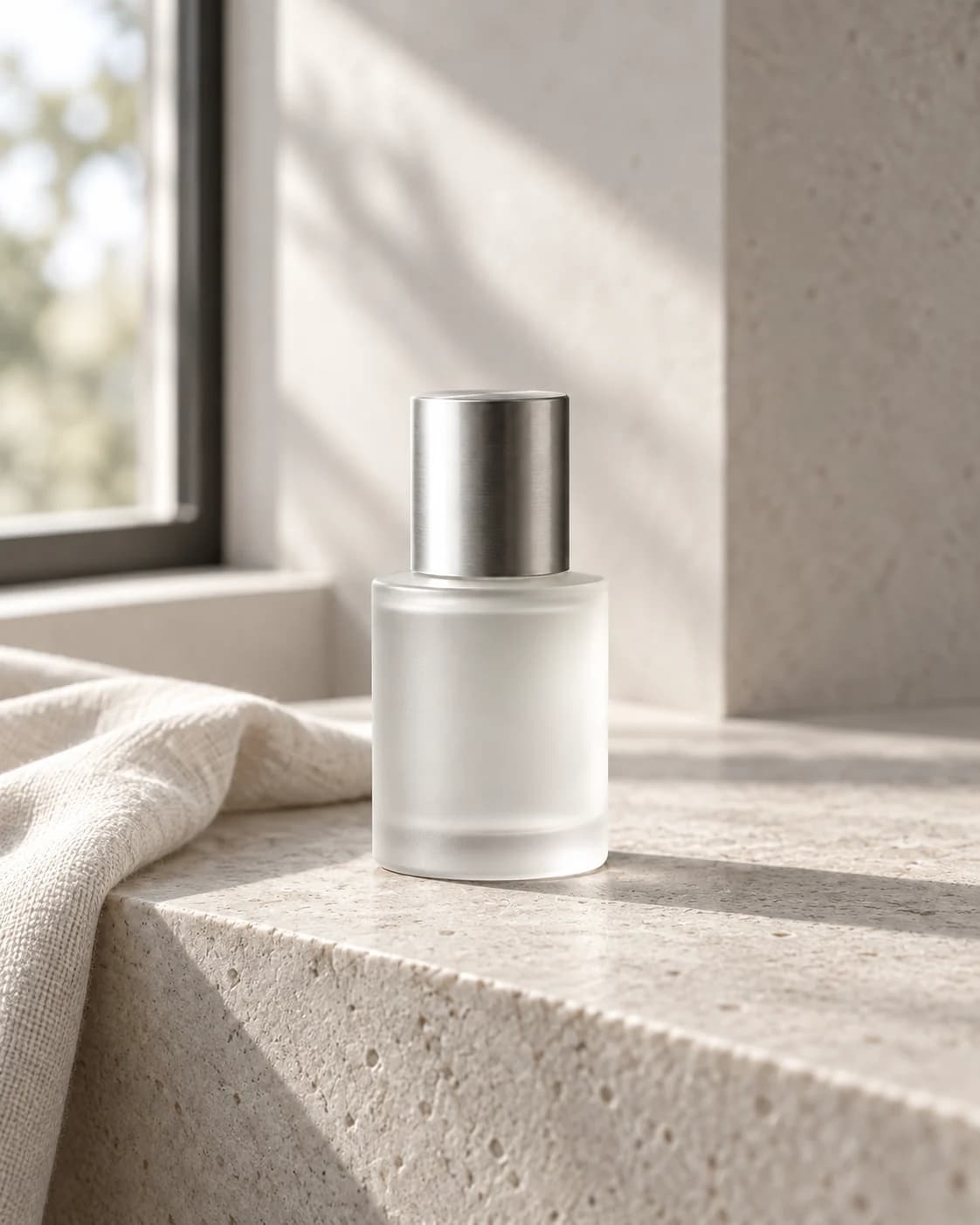
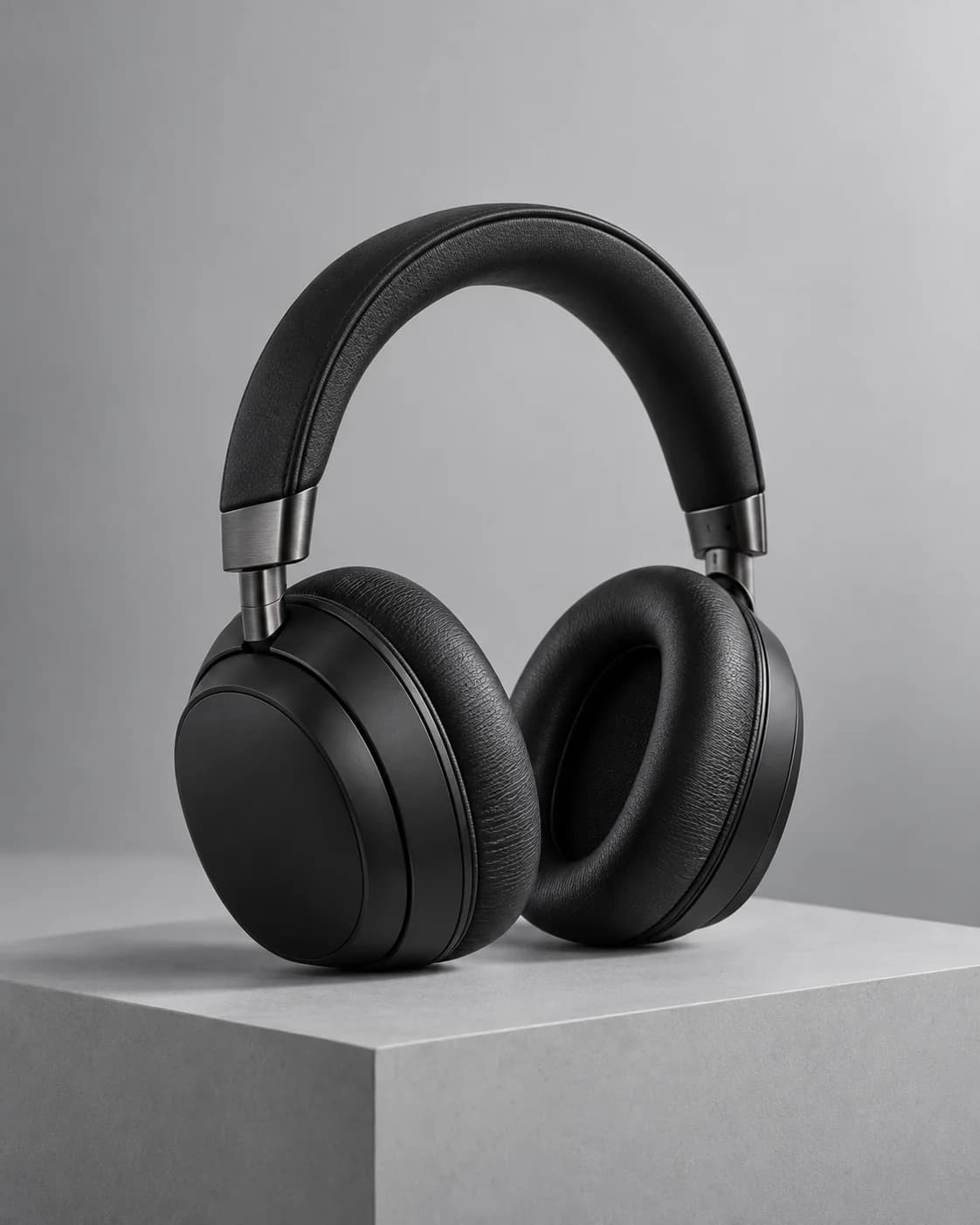
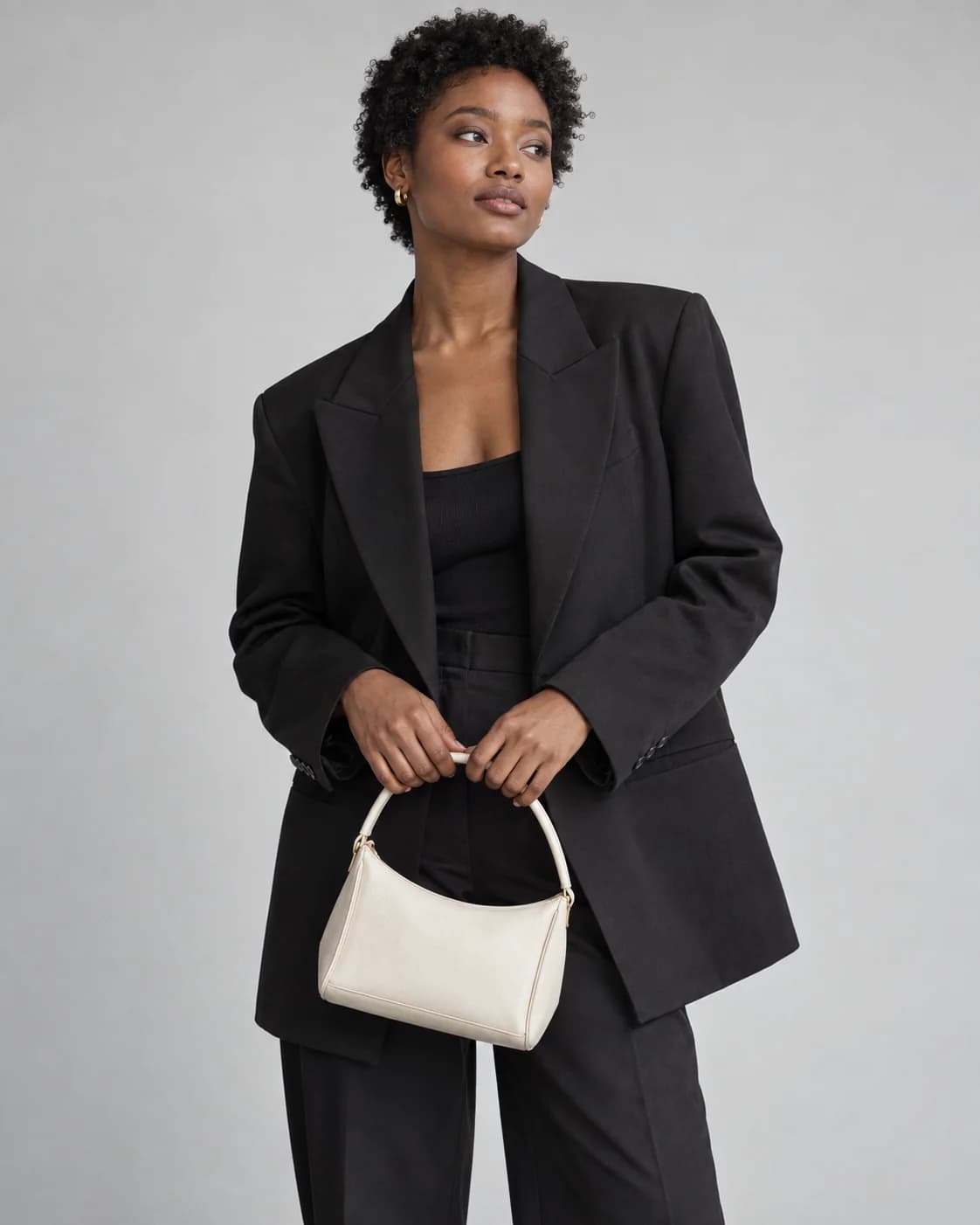
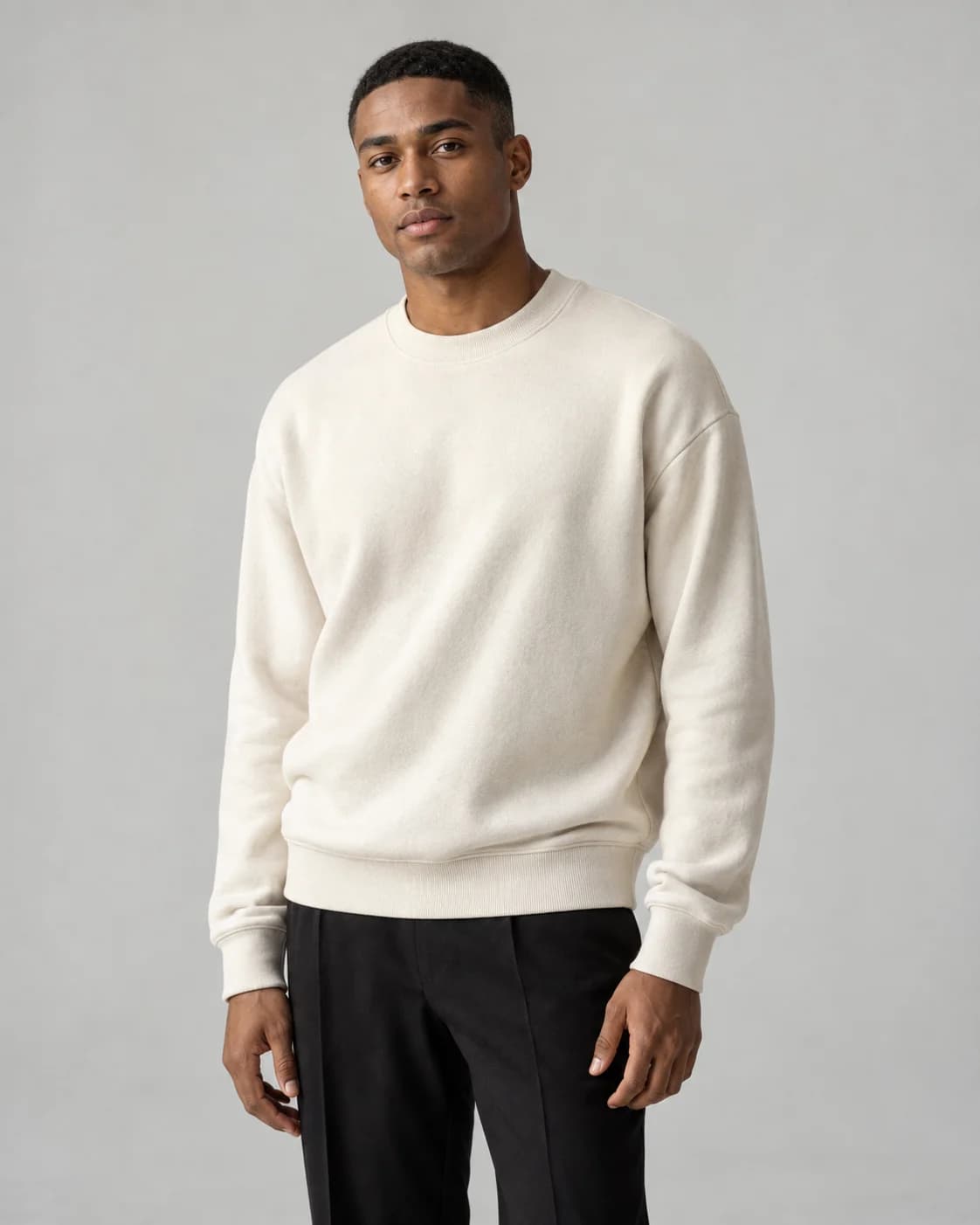
Illustrative images created with AI.
From everyday posts to ads.
Made in one studio.
Create from scratch
A fresh image for every idea.
Start with a brief or product photo. Generate product shots, lifestyle scenes, and original visuals for social posts or ads.
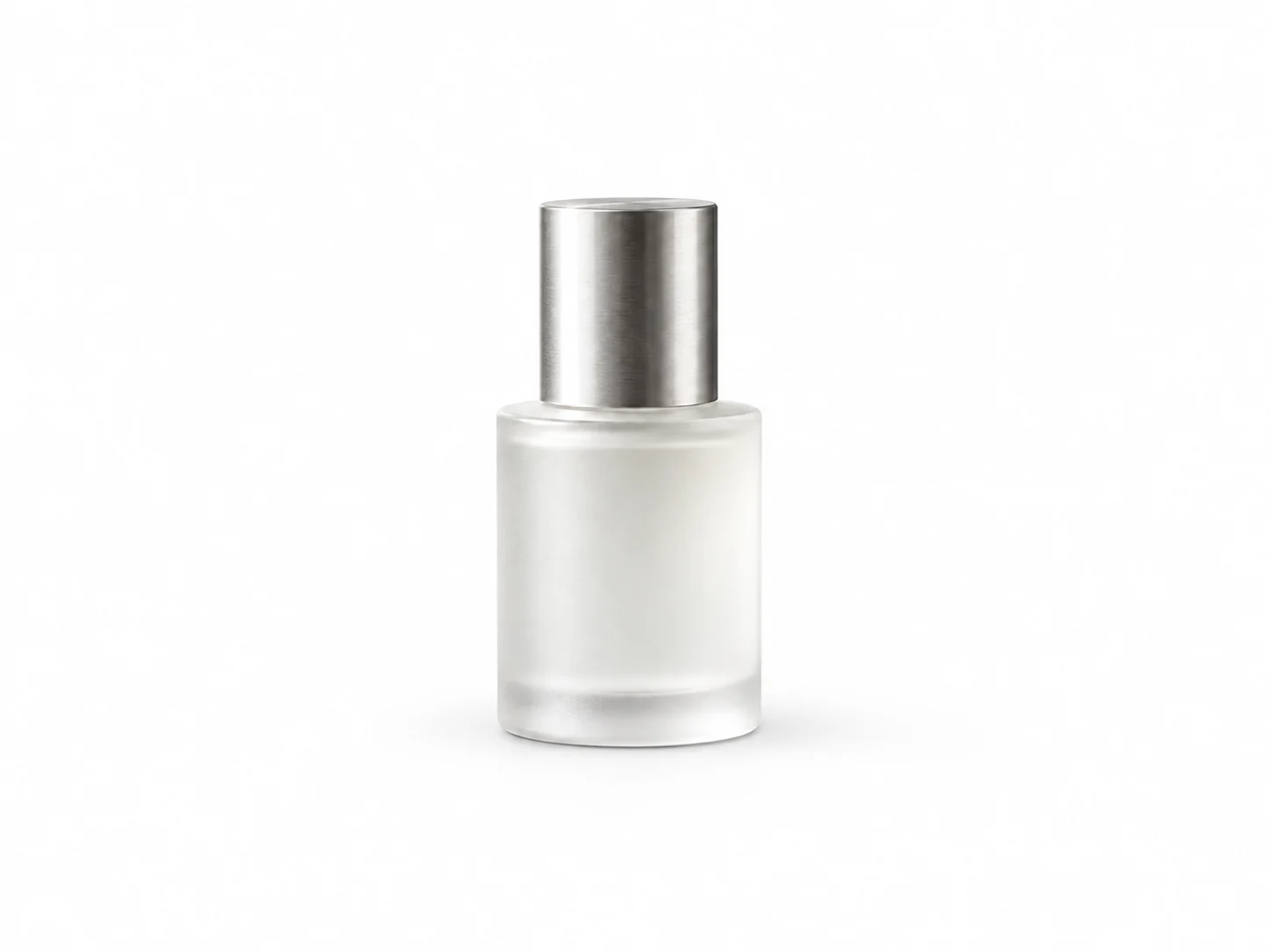
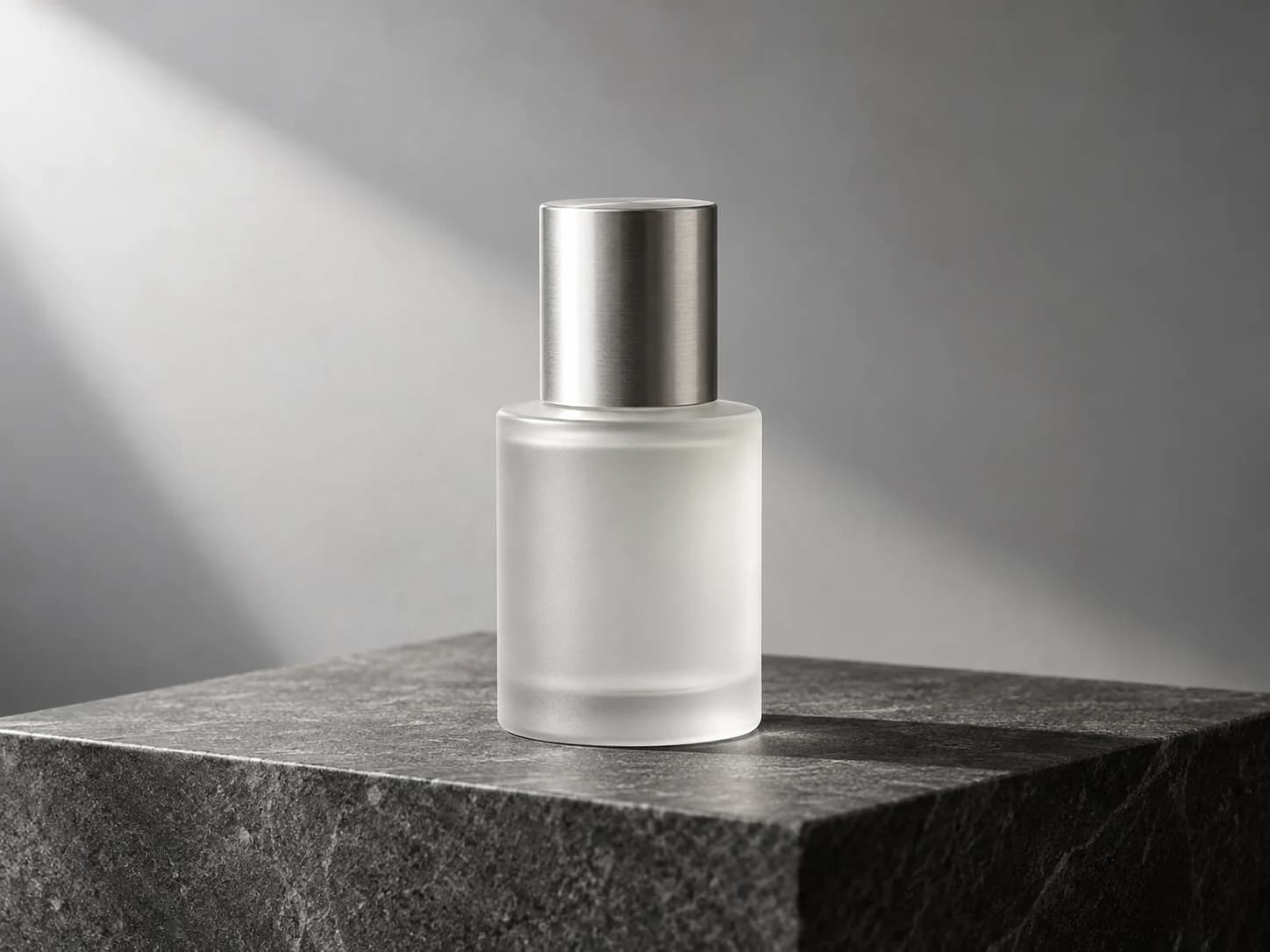
AI Model Studio
Models, looks, and scenes on demand.
Describe your model or add a reference. Choose how your product is worn, held, or placed in the scene.
Remake an ad
Start from an ad. Make it yours.
Use an existing ad image as a reference, add your product, and generate a new direction. Explore variations in Bulk Studio and save your favorites.
Put products on models without booking a shoot.
Show how your product is worn, held, or styled. Describe a model or add a reference, then choose a pose and setting.
Create for today.
And your next campaign.
Start with a brief for an everyday social post, product launch, or image ad. Use a reference to explore a new direction, try variations, write a caption, and save the result.
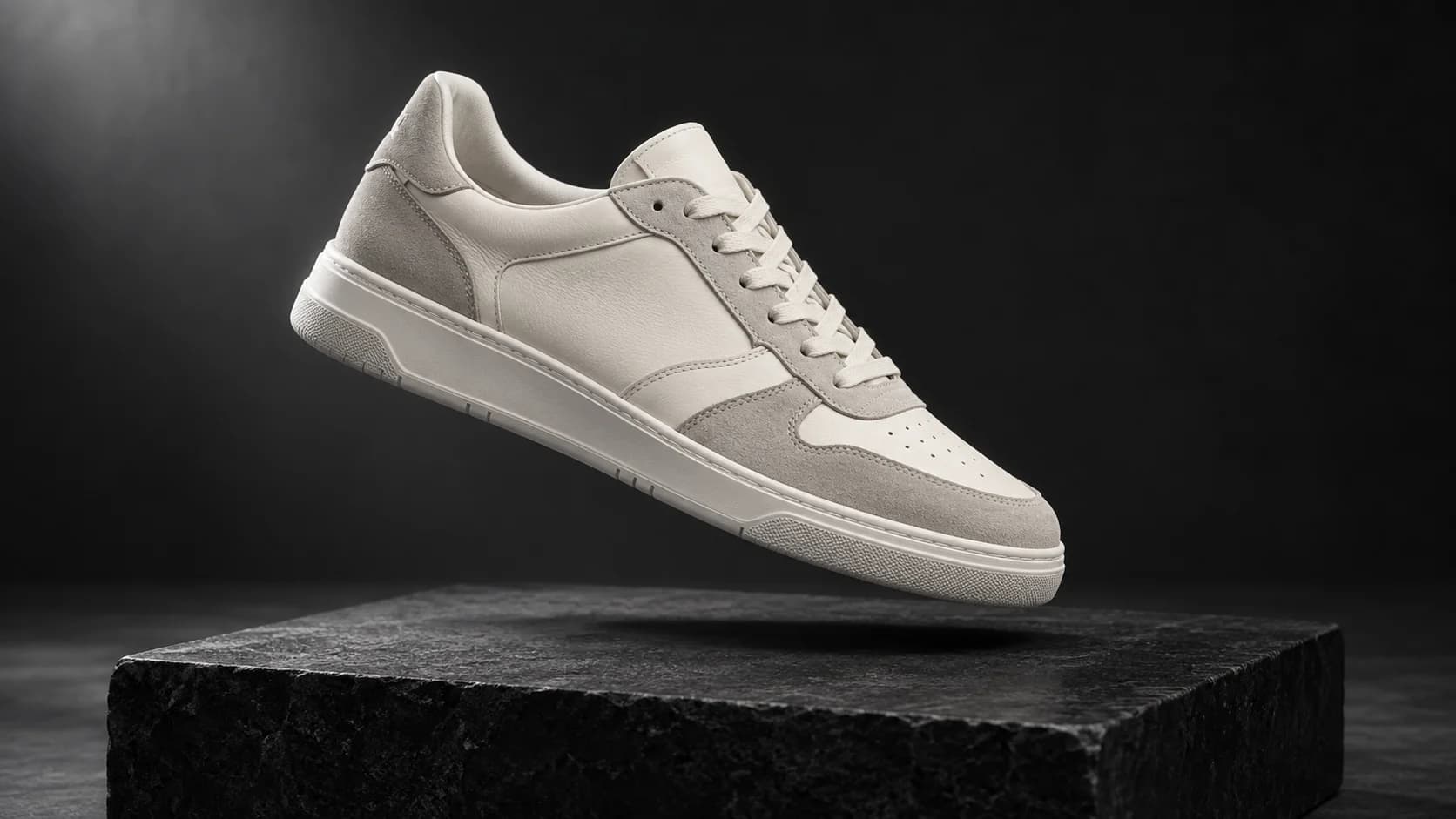
Start from a brief
Describe the product and the look you want.
Remake a reference
Use an existing ad or scene to guide a new visual.
Write the caption
Generate copy for your product and offer.
Try variations
Explore more scenes and directions in Bulk Studio.
From idea to assets
in four steps.
Start with a brief, product image, or ad reference. Build a new creative in a few steps.
- 01
Start with an idea
Describe the image you want to make, or add a product photo.
- 02
Choose a direction
Pick a scene or use a reference to guide the visual.
- 03
Generate and refine
Create an image, adjust the brief, and write a caption.
- 04
Save and download
Keep the version you like in your workspace or download it.
A few things to know.
Before you start.
What do I need to start?
A brief is enough to begin. You can also add a product photo or use a reference ad to guide the result.
Can I create images for everyday social posts?
Yes. Start with an idea or product photo, then create a visual for an update, announcement, or campaign. Choose a format that suits where you plan to post it.
Can I remake an ad I like?
Yes. Choose an ad from your imported library as a reference, then add your own product and direction to generate a new visual.
Can I use my own model reference?
Yes. Add a reference photo to guide the model’s appearance, then choose a pose and shoot style.
Which image formats can I create?
Choose square, portrait, vertical, or landscape formats to suit product listings, social posts, and campaign layouts.
Can I make several versions of an ad?
Yes. Bulk Studio lets you choose multiple scenes and generate image variations together.
How do I save my work?
Download your images or save them to History to revisit later.